Try pydisplay
Evaluate pydisplay without installing anything on your machine.
Choose a demo
| Path | Best for | Start here |
|---|---|---|
| Browser (PyScript) | Quick look, touch UI in the tab | Live demo hub |
| Wokwi simulator | ESP32 + ILI9341 without hardware | Minimum project guide or hosted copy |
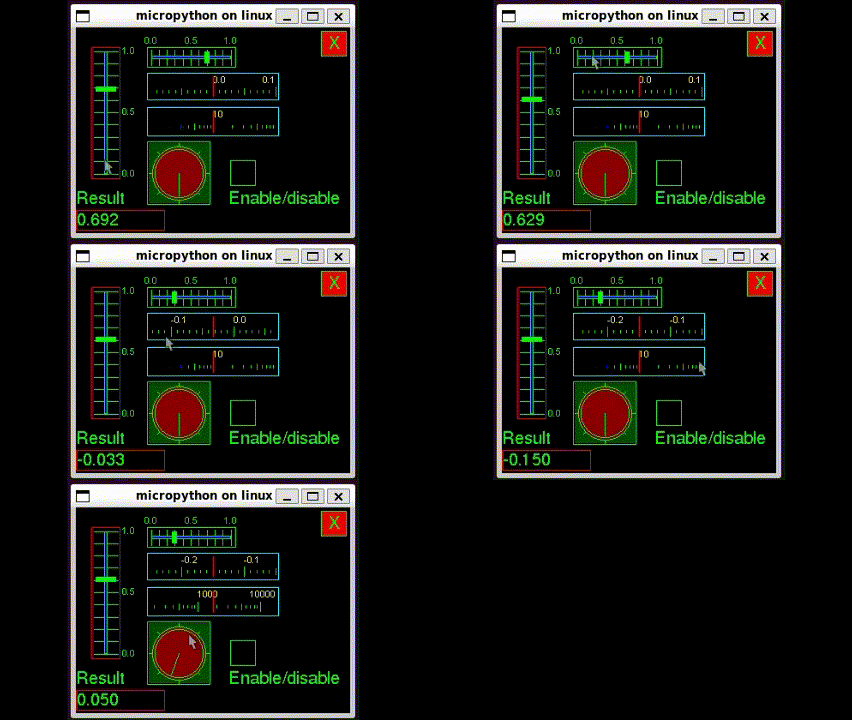
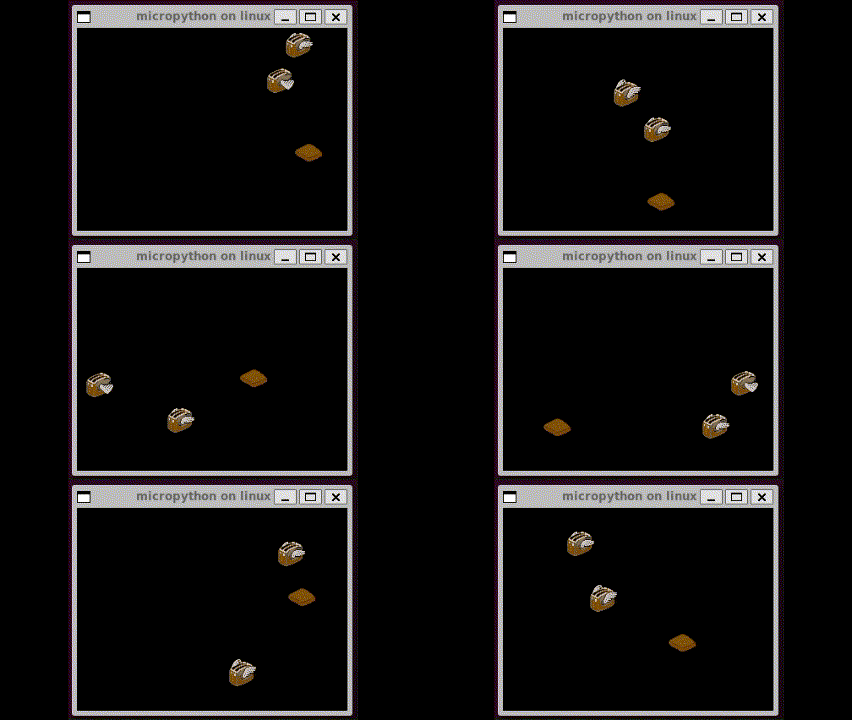
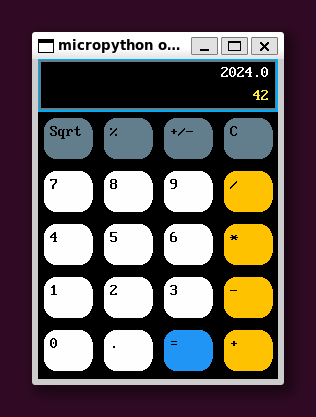
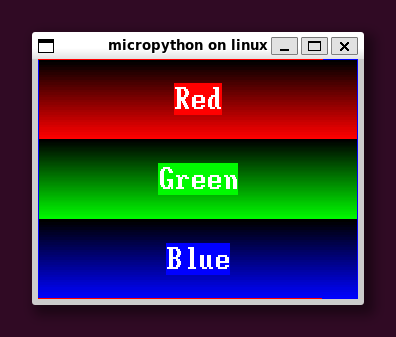
| Screenshot gallery | See what examples look like | Gallery below |
PyScript (browser)
Live demo (online)
Hub: PyDevices.github.io/pydisplay/demo/
| Link | Description |
|---|---|
| Calculator | Async calculator |
| Test runner | Pick an example |
| REPL | Interactive REPL + canvas |
| Editor | mpy-editor with paint.py |
Run locally
Full guide (asyncio porting, compatible examples, board config): PyScript local development.
Note
Most examples use blocking loops and will not run in PyScript until ported to asyncio. See PyScript asyncio guide.
Wokwi (simulator)
Copy wokwi/minimum/ into a new ESP32-S3 MicroPython project, or open the hosted minimum project.
Full install with examples: wokwi/esp32-s3-full/ (hosted copy).
Details: Wokwi guide.
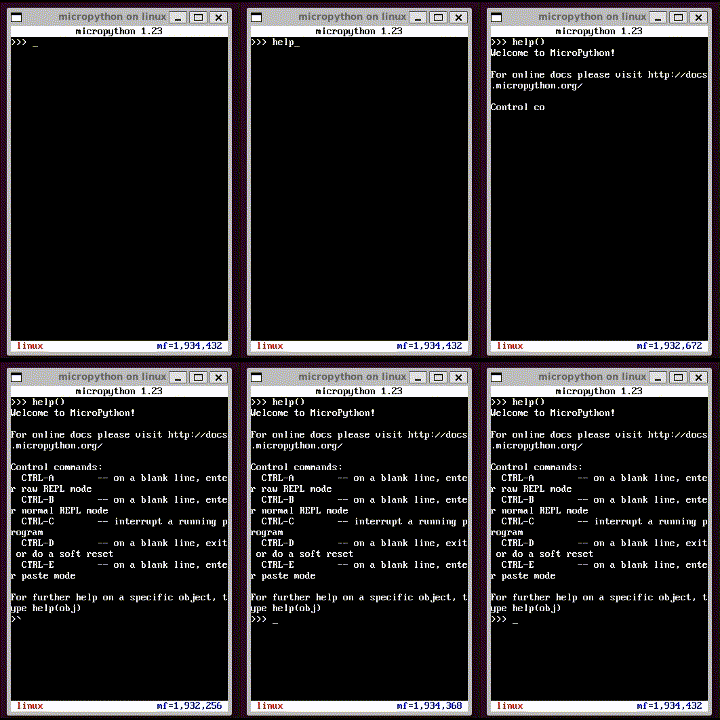
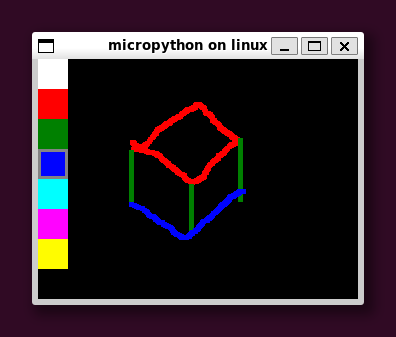
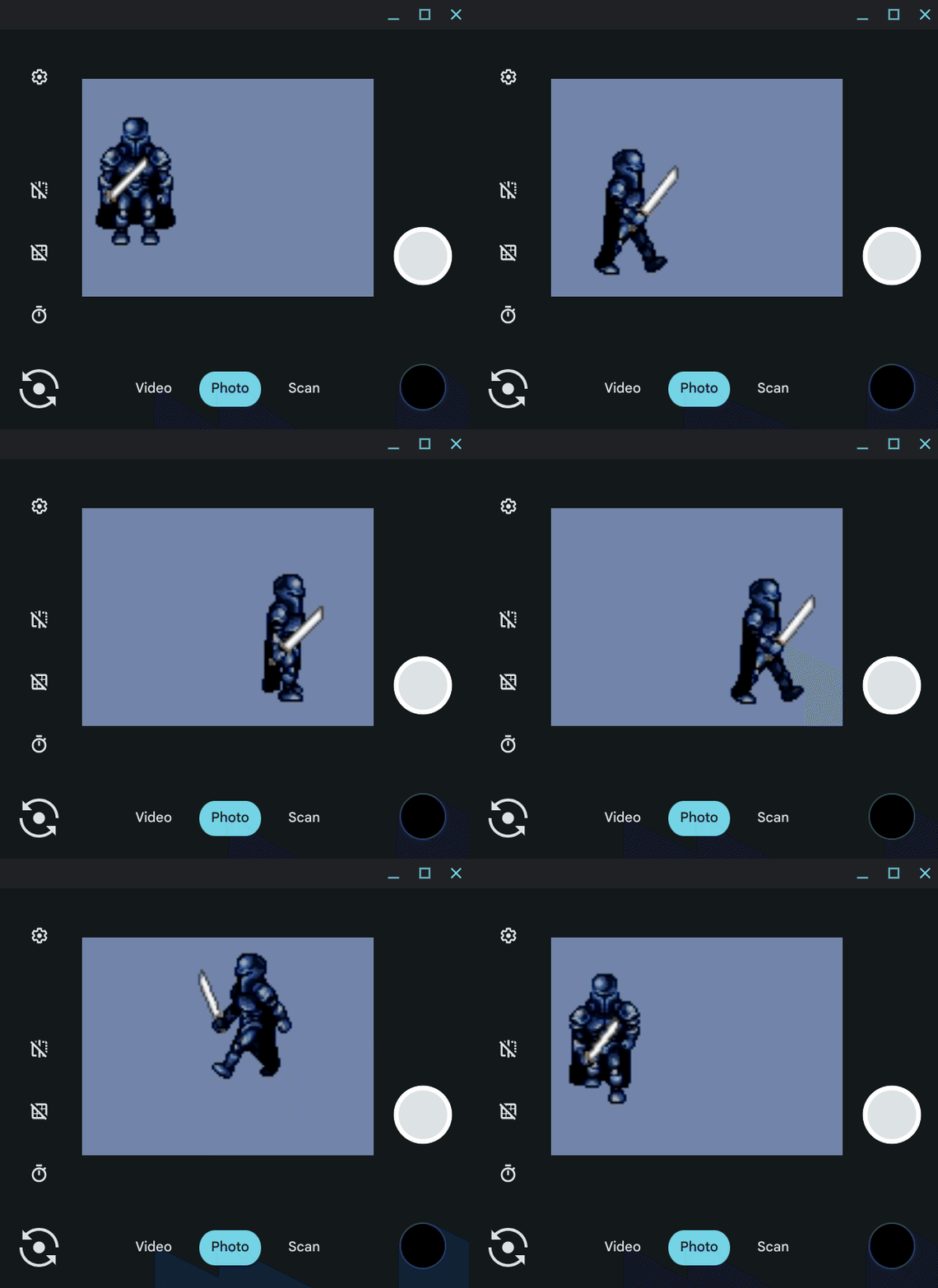
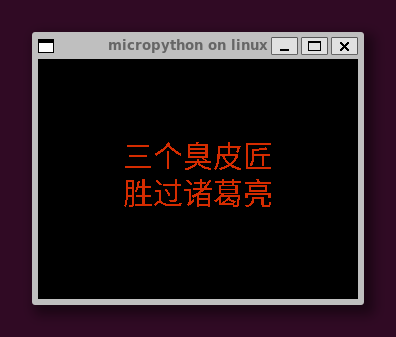
Screenshot gallery
 |
 |
 |
 |
 |
 |
 |
 |
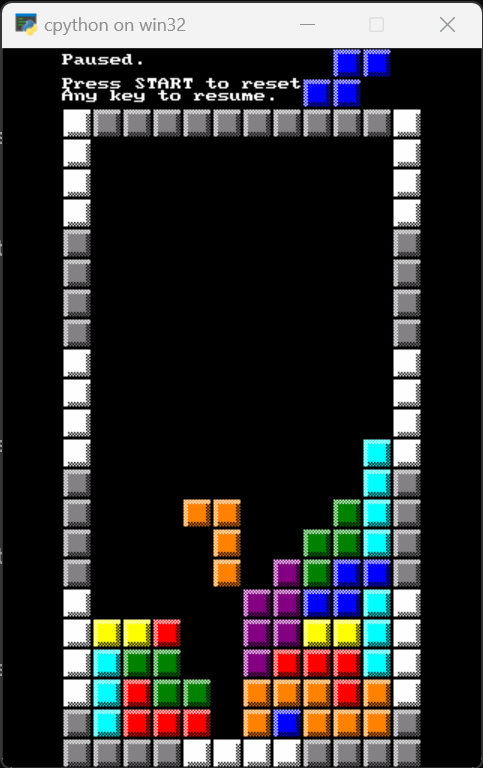 |
Full table: screenshots/README.md.
Next steps
Ready to install locally?