pydisplay
Cross-platform display and event drivers for MicroPython, CircuitPython, and CPython.
pydisplay is a foundation for GUI libraries — not a GUI itself. It provides display drivers, touch and input events, drawing primitives, fonts, and palettes with a consistent API across platforms. Use it directly for simple apps, or pair it with LVGL, MicroPython-Touch, Nano-GUI, or your own framework.
Alpha quality
pydisplay is under active development. APIs and documentation are still catching up with the code. Feedback and pull requests are welcome.
Choose your path
| I want to… | Start here |
|---|---|
| Try in the browser (no install) | Try pydisplay → PyScript |
| Try in Wokwi simulator | Try pydisplay → Wokwi |
| Run on ESP32 / MicroPython board | ESP32 quick start |
| Develop on desktop (CPython) | Desktop quick start |
| Browse all options | Getting started |
Key features
- One API, many platforms — develop on desktop CPython, deploy to MicroPython on ESP32-S3, or run in CircuitPython without rewriting display code.
- Unified input — touchscreens, mice, keypads, keyboards, rotary encoders, and joysticks produce consistent events modeled on PyGame/SDL2.
- Drawing — MicroPython
framebufAPI everywhere; optionalgraphicsmodule with extra helpers such as rounded rectangles. - Examples — dozens of scripts in
src/examples/, including ports from st7789py_mpy. - Flexible install — full git clone, GitHub MIP packages, or precompiled packages from the PyDevices micropython-lib index.
Quick links
| Resource | URL |
|---|---|
| Documentation | pydisplay.readthedocs.io |
| PyScript browser demo | PyDevices.github.io/pydisplay/demo/ |
| Source | github.com/PyDevices/pydisplay |
| MIP package index | PyDevices micropython-lib |
Screenshots
| active.py | tiny_toasters.py |
|---|---|
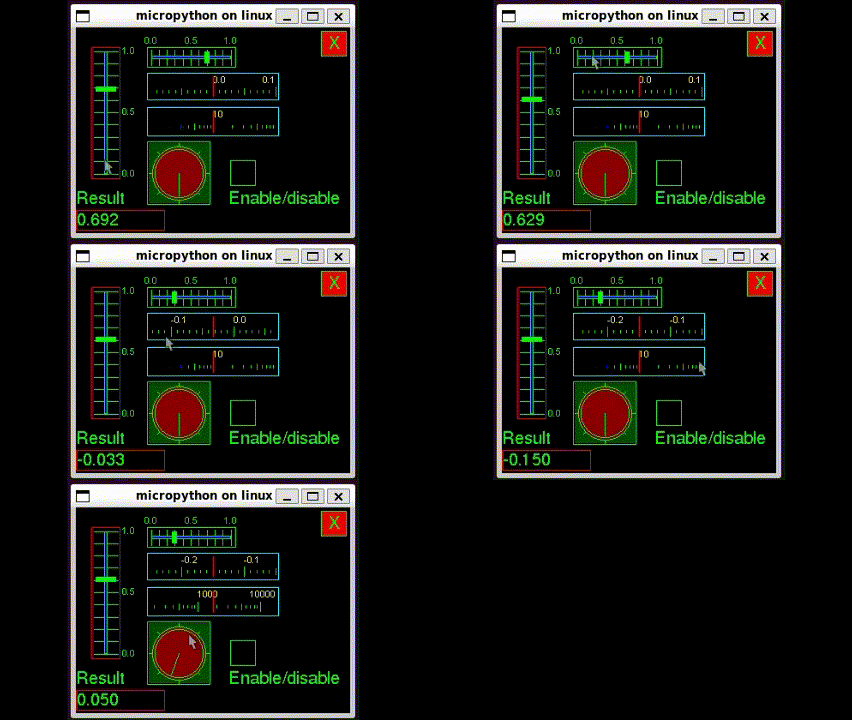 |
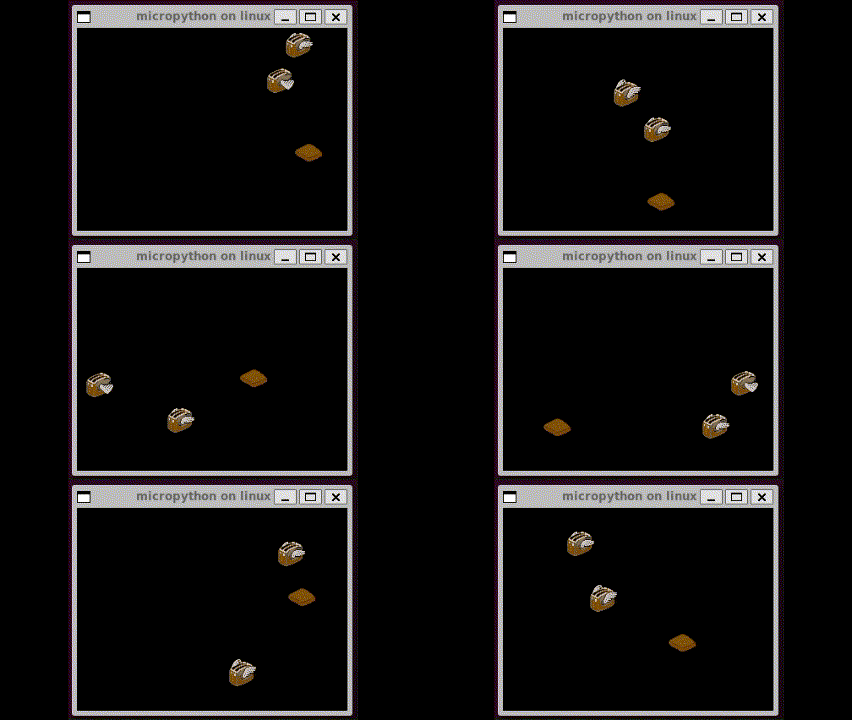 |
More: Try pydisplay gallery.
What pydisplay is not
- Not a widget toolkit — no built-in buttons, sliders, or layout managers.
- Not a task scheduler — use multimer or
asynciofor timing. - Not a GUI library — pair with LVGL, MicroPython-Touch, PyWidgets (
add_ons/pdwidgets), or roll your own.
See Architecture for the full mental model.